

Why We Use This Approach (Read First)
We prioritize calling over researching, because calls create opportunities and research does not.
By calling first and cleaning the lead immediately after each attempt, you stay fast, efficient, and consistent.
This system maximizes conversations, appointments, and revenue while improving data quality every single day.
Category | Daily Target (Power Dialing System) |
|---|---|
Dial Attempts | 180–250 |
Live Conversations | 15–22 |
Decision Makers Reached | 8–12 |
Follow-Up Attempts | 40–60 |
Appointments Booked | 2 per day |
Show-Up Rate | 75–85% |
Pipeline Hygiene | 100% of tasks worked daily |
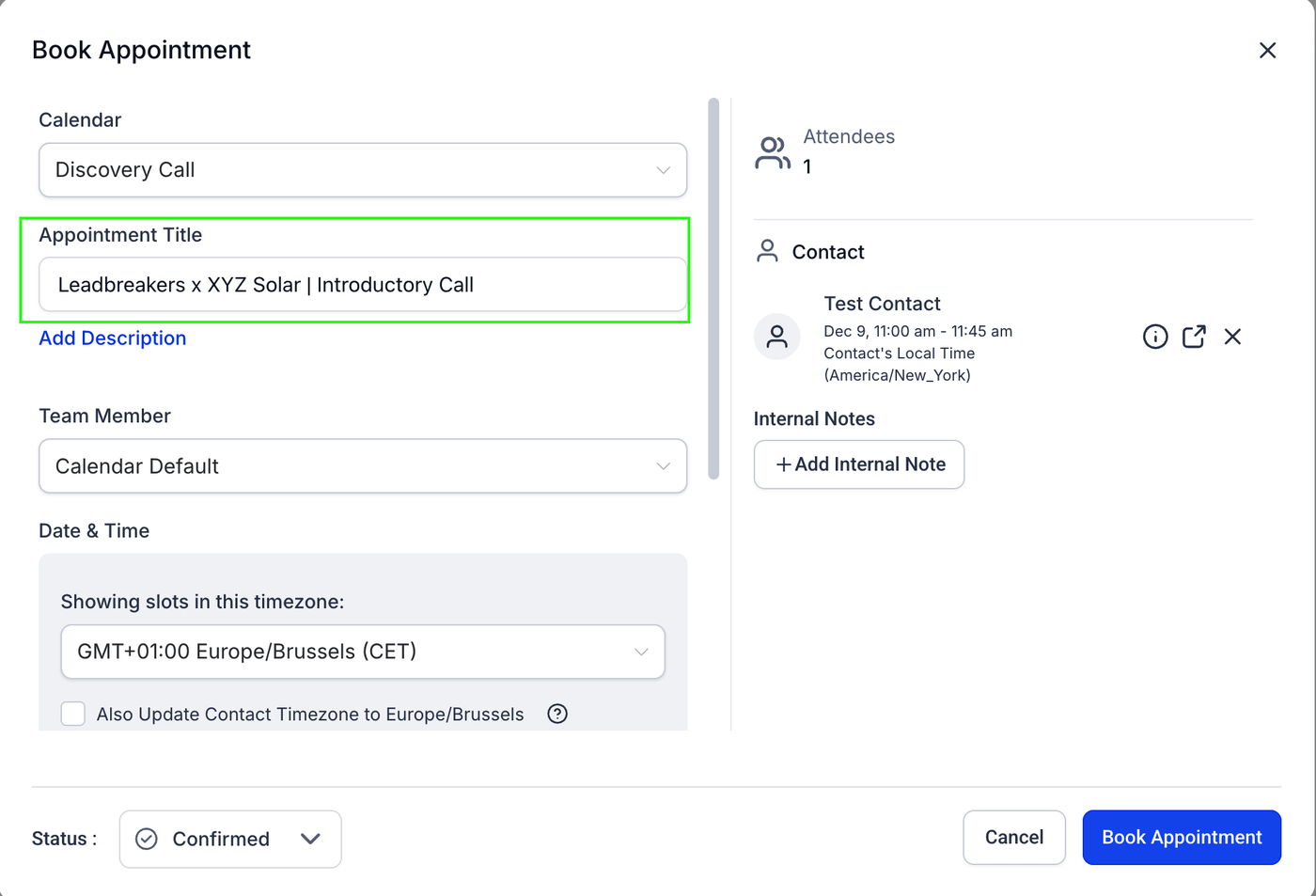
Appointment Naming Format
All appointments must follow this naming structure:
Leadbreakers x [PROSPECT COMPANY NAME] | Introductory Call
Example, lets say you booked a successful appointment with XYZ Solar. Then it would look like this in GHL.
(Setters replace the company name with the business being contacted.)
MODULE 1 — ORIENTATION & FOUNDATIONS
Welcome & How This System Works
This video gives you a quick overview of how our outbound system works.
Understanding this will make everything else in the CRM simpler and easier to follow.
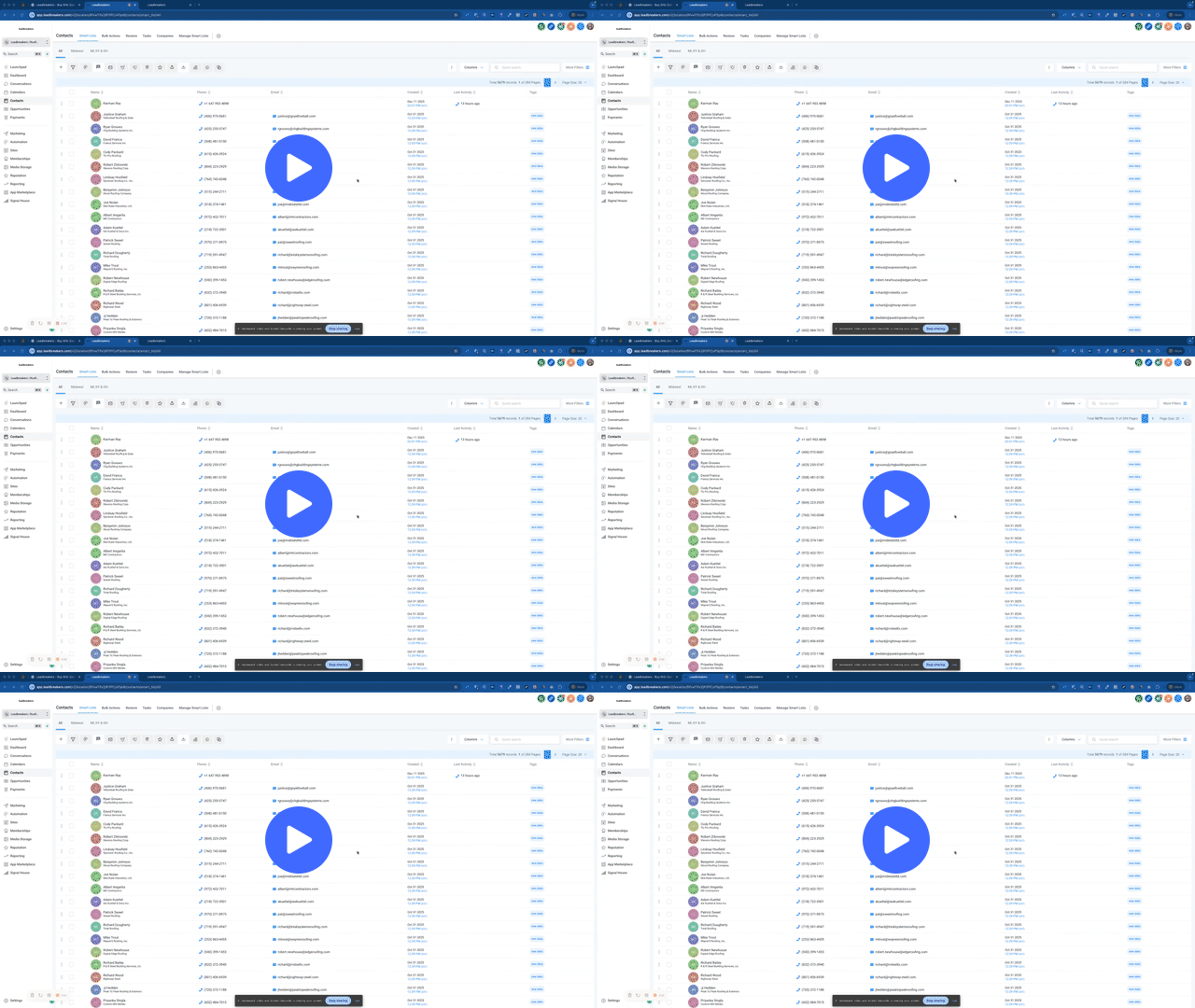
Daily Setup: How to Start Your Day as a Setter
This video shows you how to set up your day before you start calling.
Following this setup each day helps you work the right leads and avoid mistakes
MODULE 2 — PIPELINE OVERVIEW
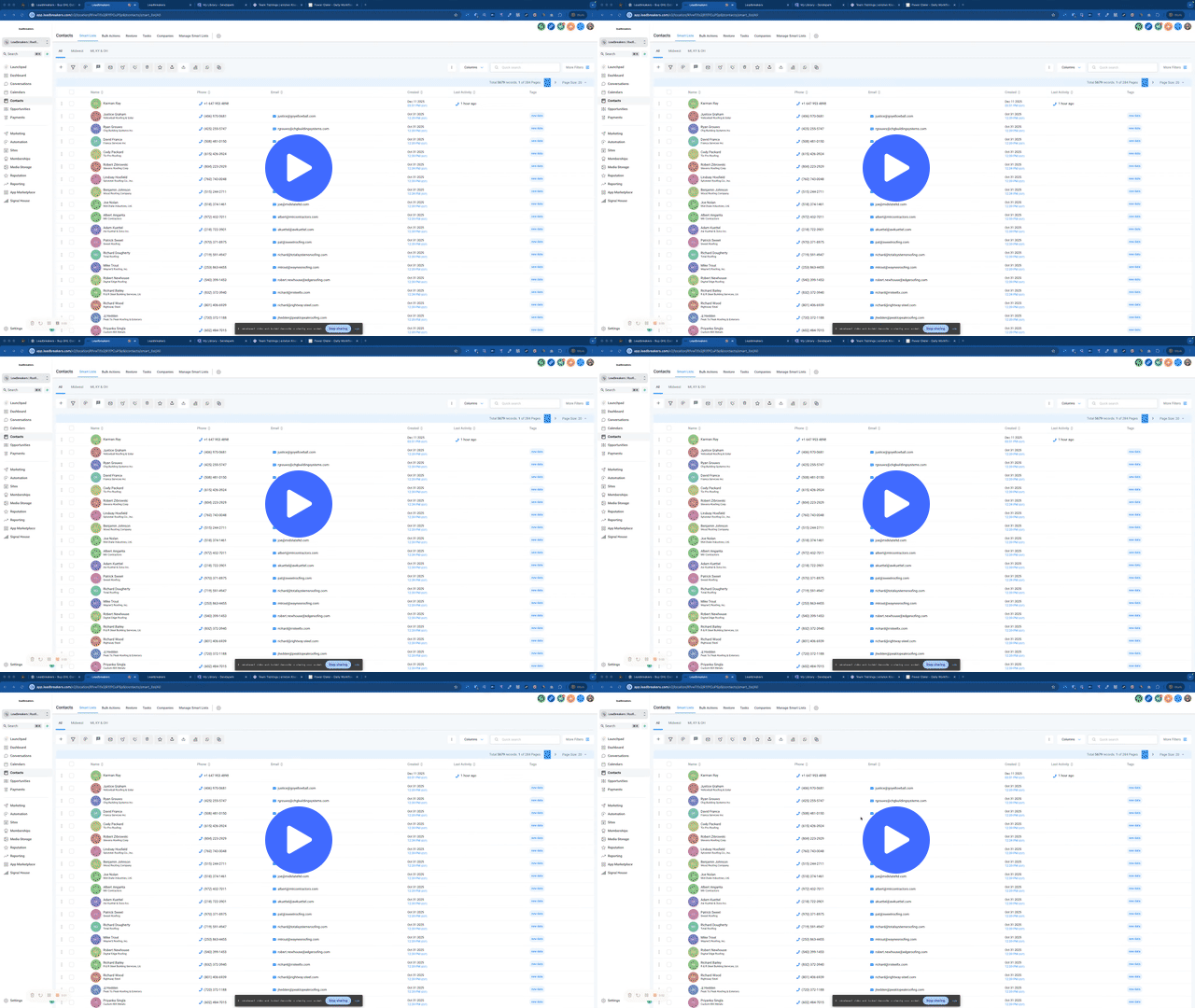
Pipeline Overview: How Leads Move Through the System
How leads progress from first call to final outcome.
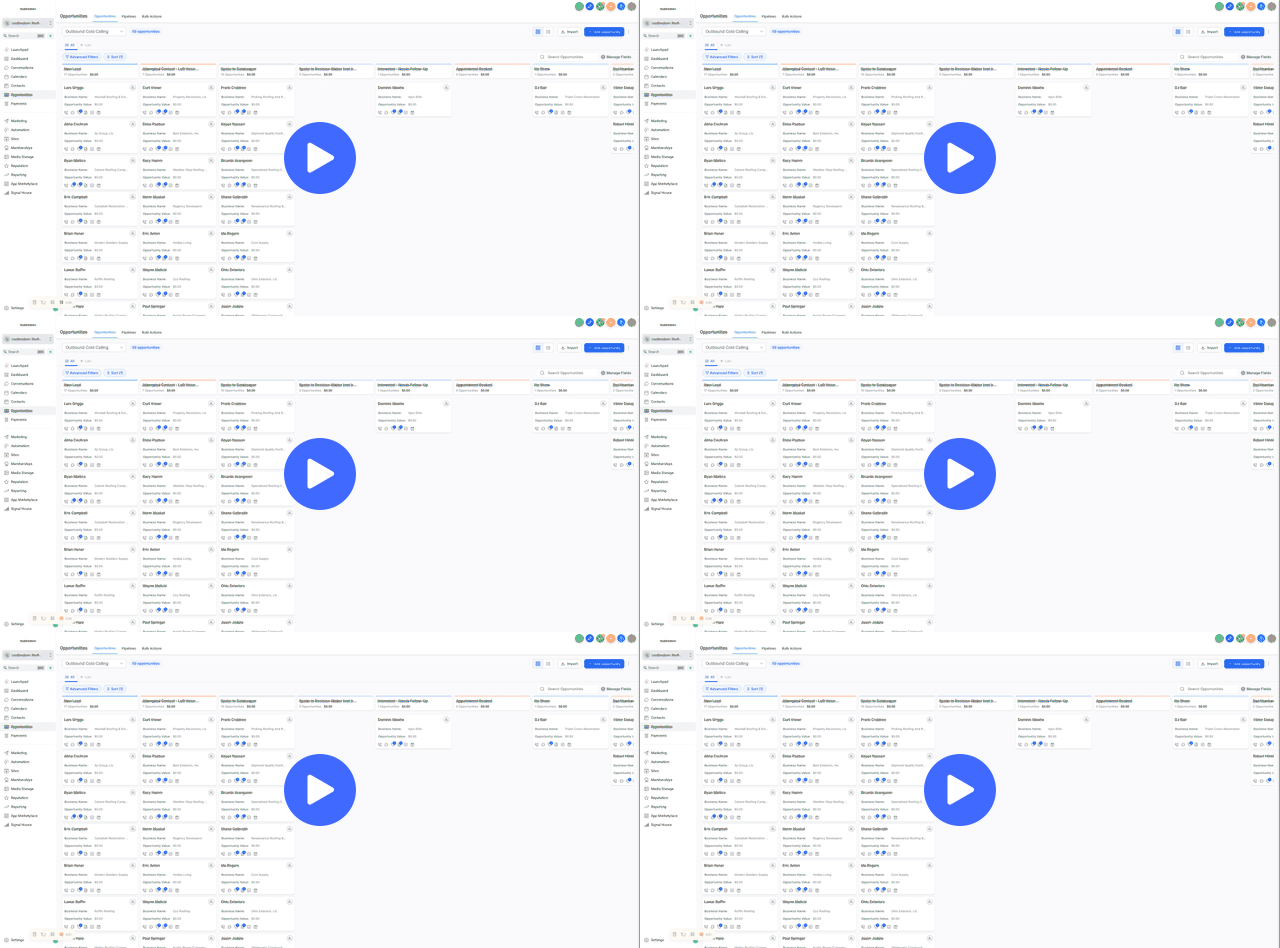
MODULE 3 — PIPELINE DEEP DIVES (CORE TRAINING)
Pipeline Deep Dive: New Lead
Working fresh leads
Calling behavior and expectations
When not to move the stage
How aggressive dialing works in this stage
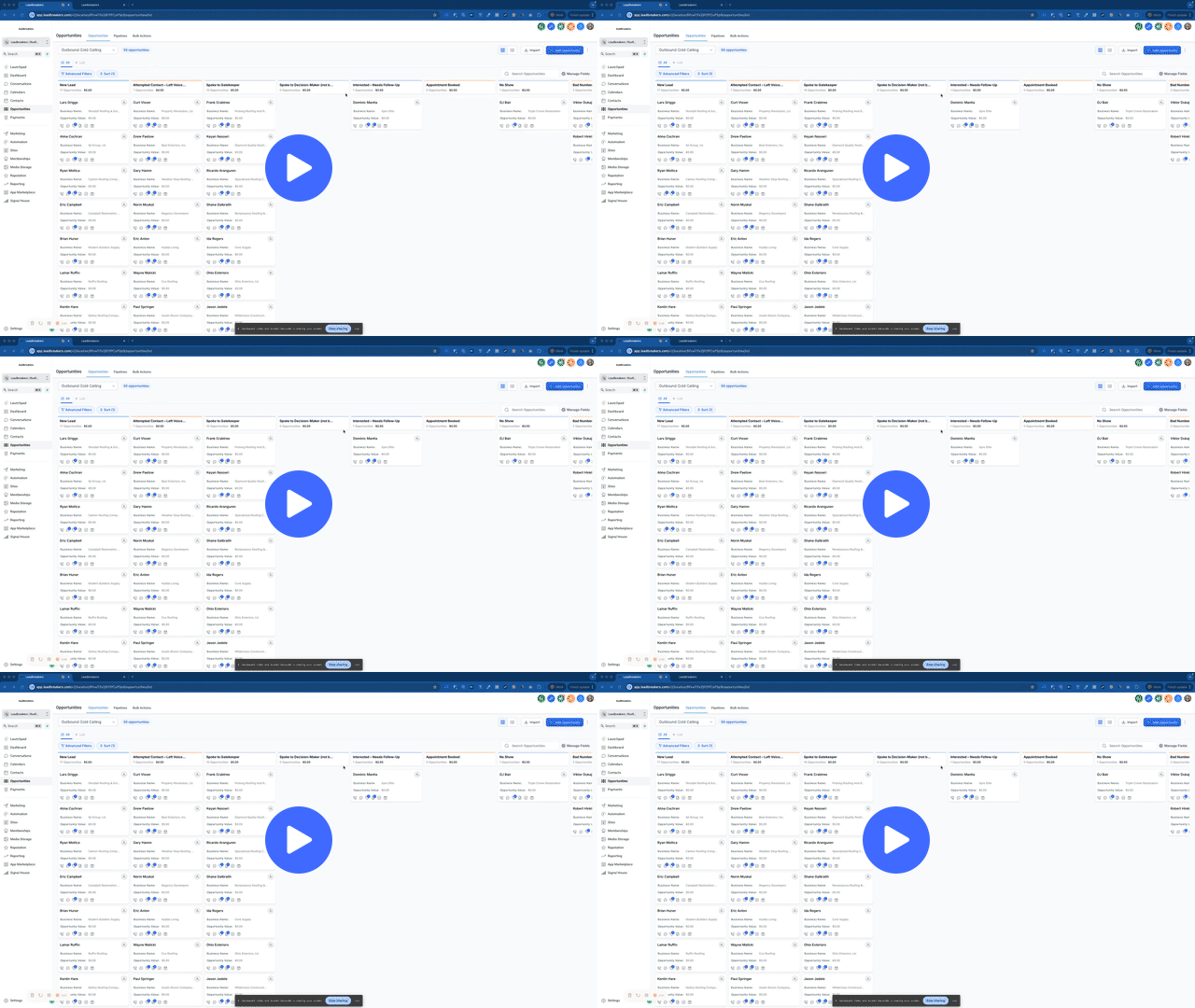
Pipeline Deep Dive: Attempted Contact – Left Voicemail
When a voicemail should be left
What changes after a voicemail
Why dialling behavior changes
How notes are logged automatically
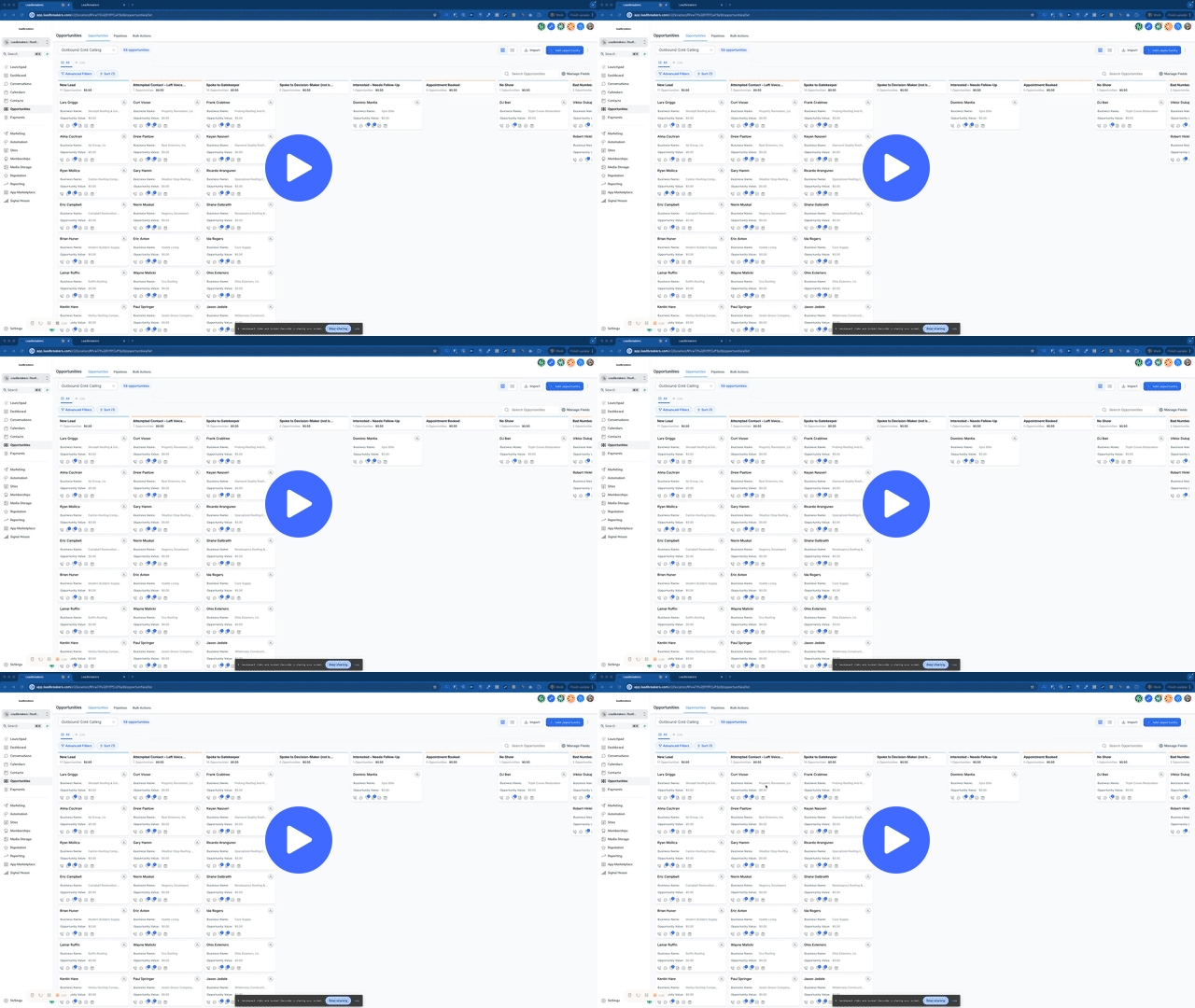
Pipeline Deep Dive: Spoke to Gatekeeper
What qualifies as a gatekeeper conversation
What does NOT qualify
Why this stage is manual
How to document gatekeeper outcomes properly
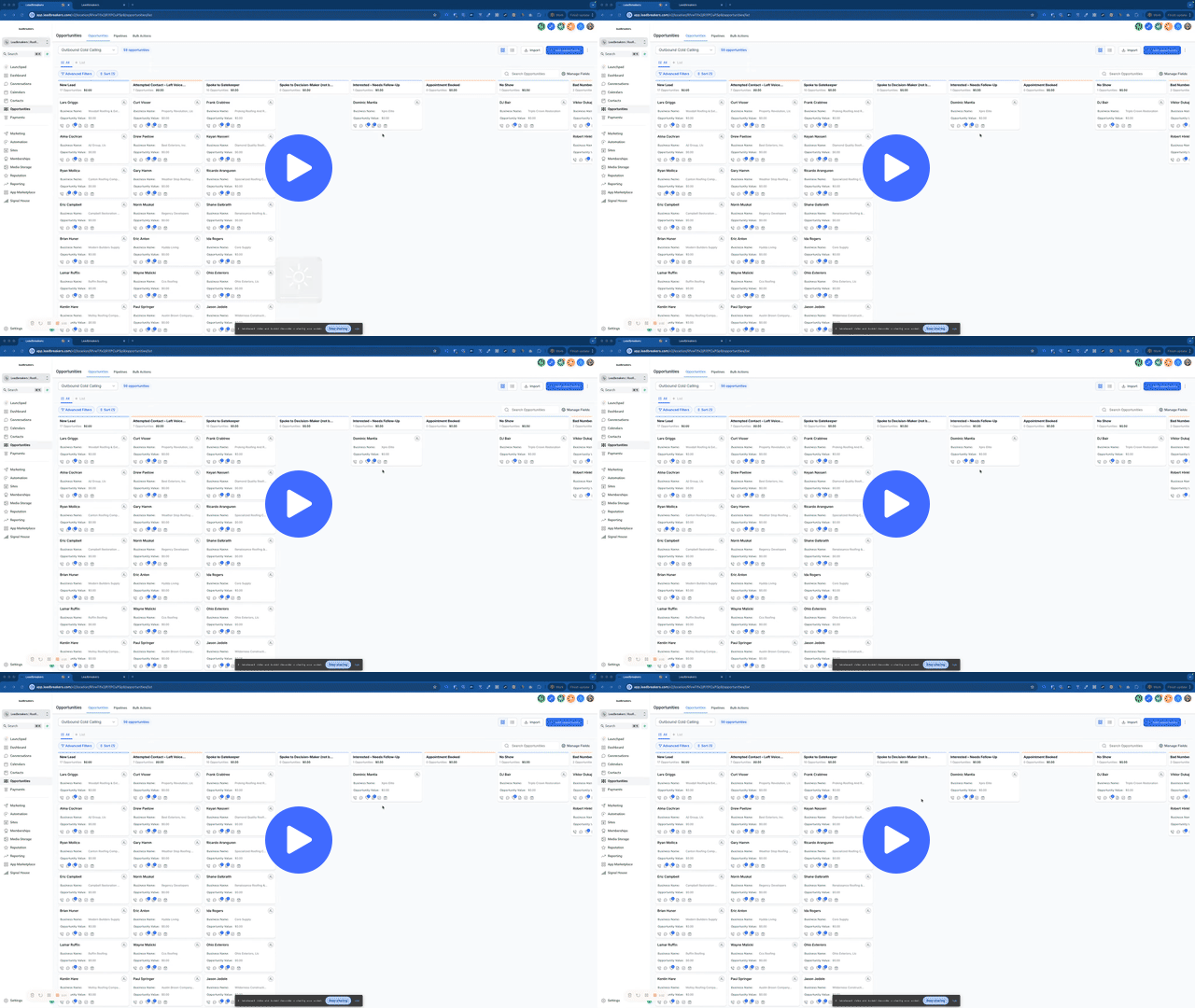
Pipeline Deep Dive: Spoke to Decision-Maker (Not Booked Yet)
What counts as a real DM conversation
Why this stage is not “interested”
How to handle “send info” and “think about it”
When to move forward vs hold
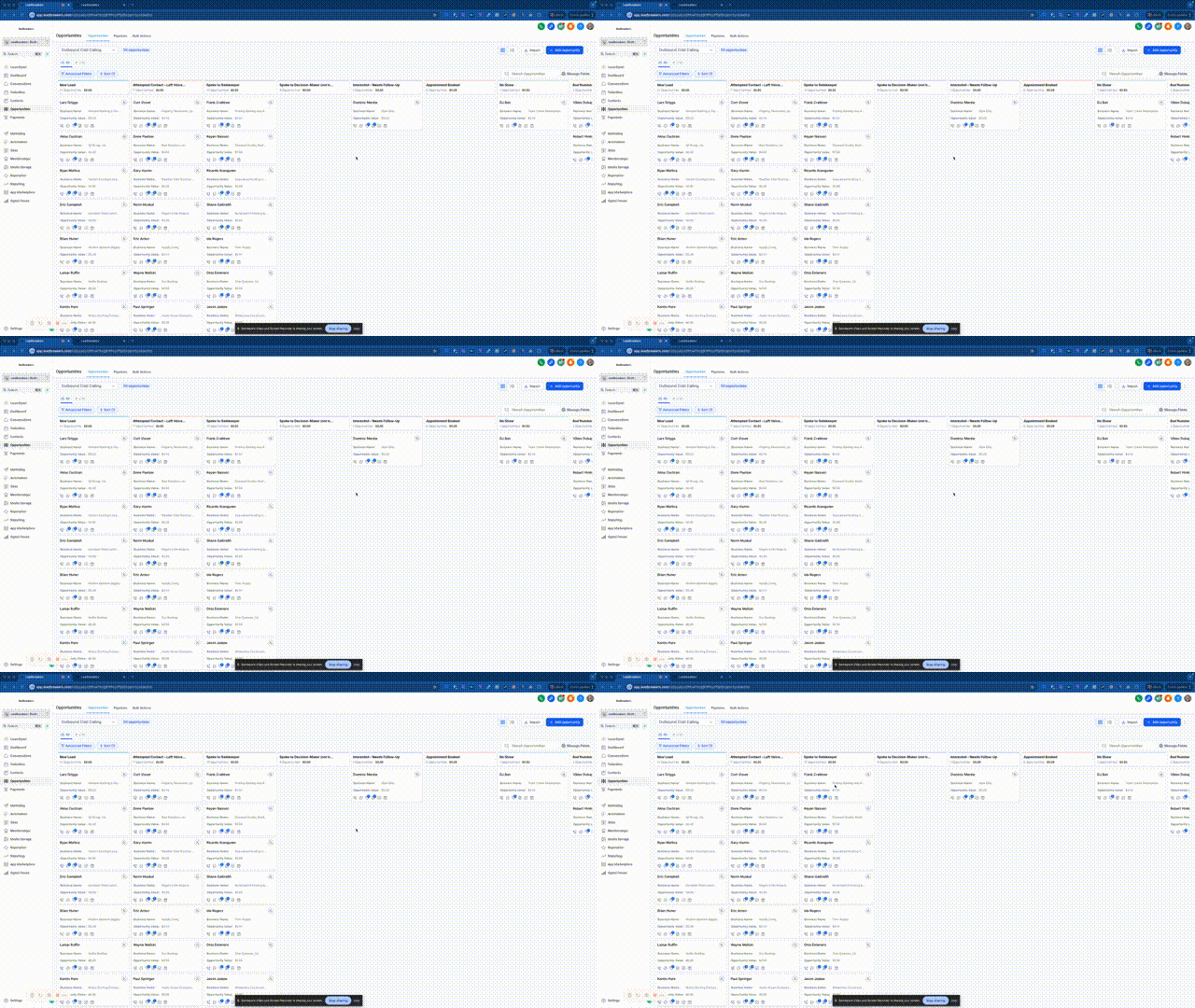
Pipeline Deep Dive: Interested – Needs Follow-Up
What “interest” actually means
Difference between interest and curiosity
Why this stage is manual
How this stage protects deal quality
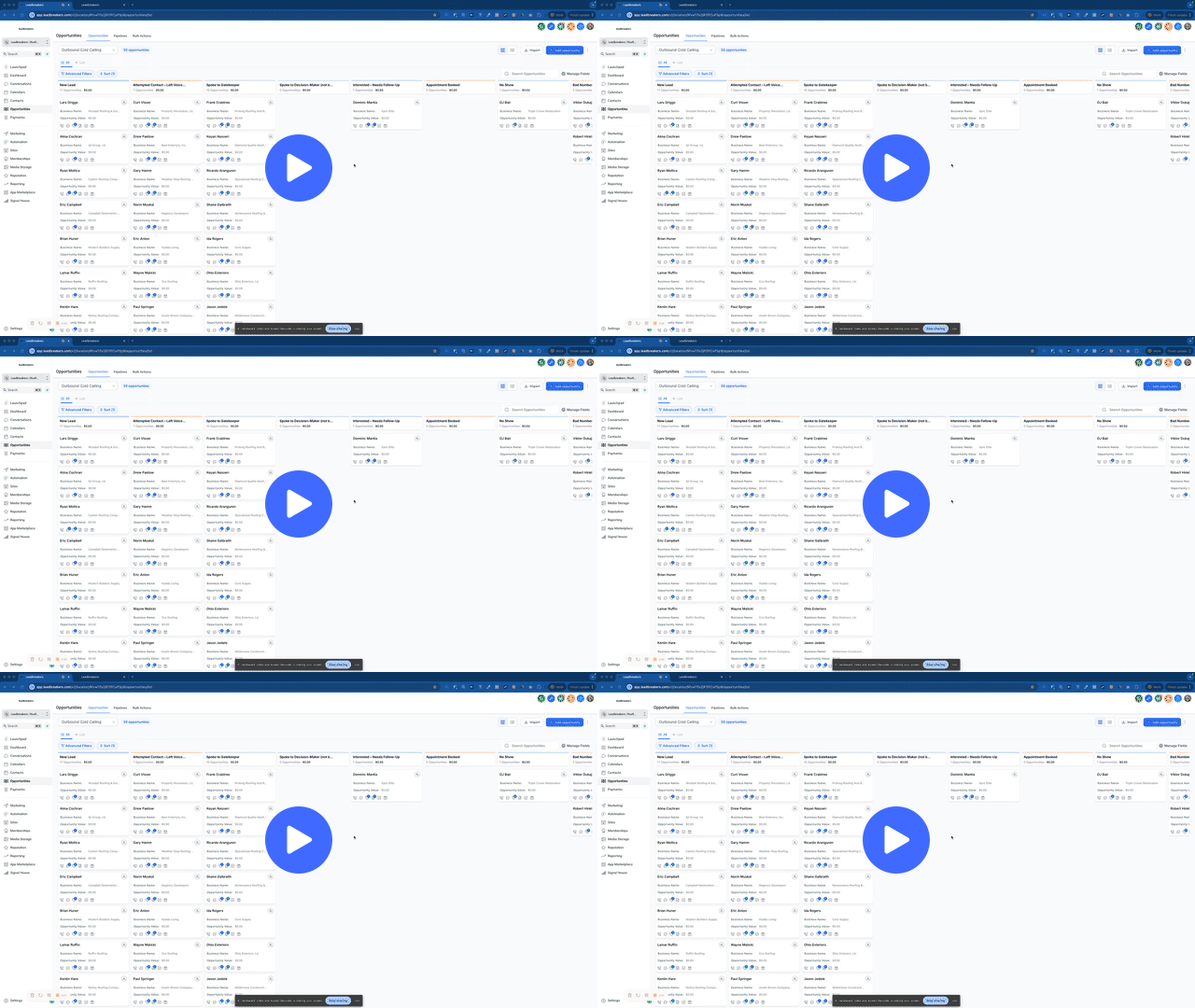
Pipeline Deep Dive: Appointment Booked
What to do once an appointment is booked
What automation handles automatically
What setters should NOT do after booking
How to leave clean notes for closers
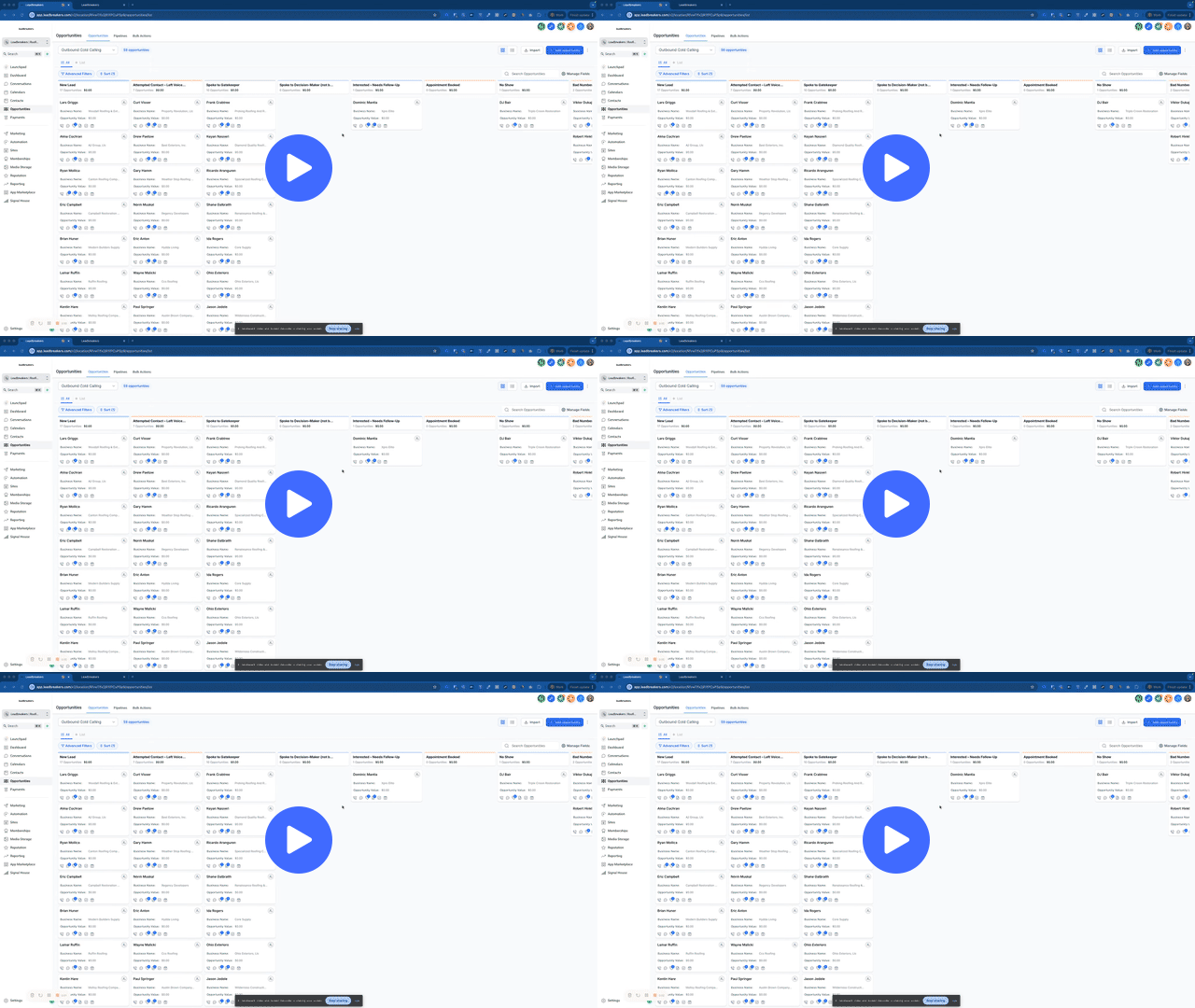
Pipeline Deep Dive: No Show
What qualifies as a no-show
How it differs from not interested
What happens next (and what doesn’t)
Why patience matters here